From the OR to the world:
assist, train, educate, and scale
surgical excellence.
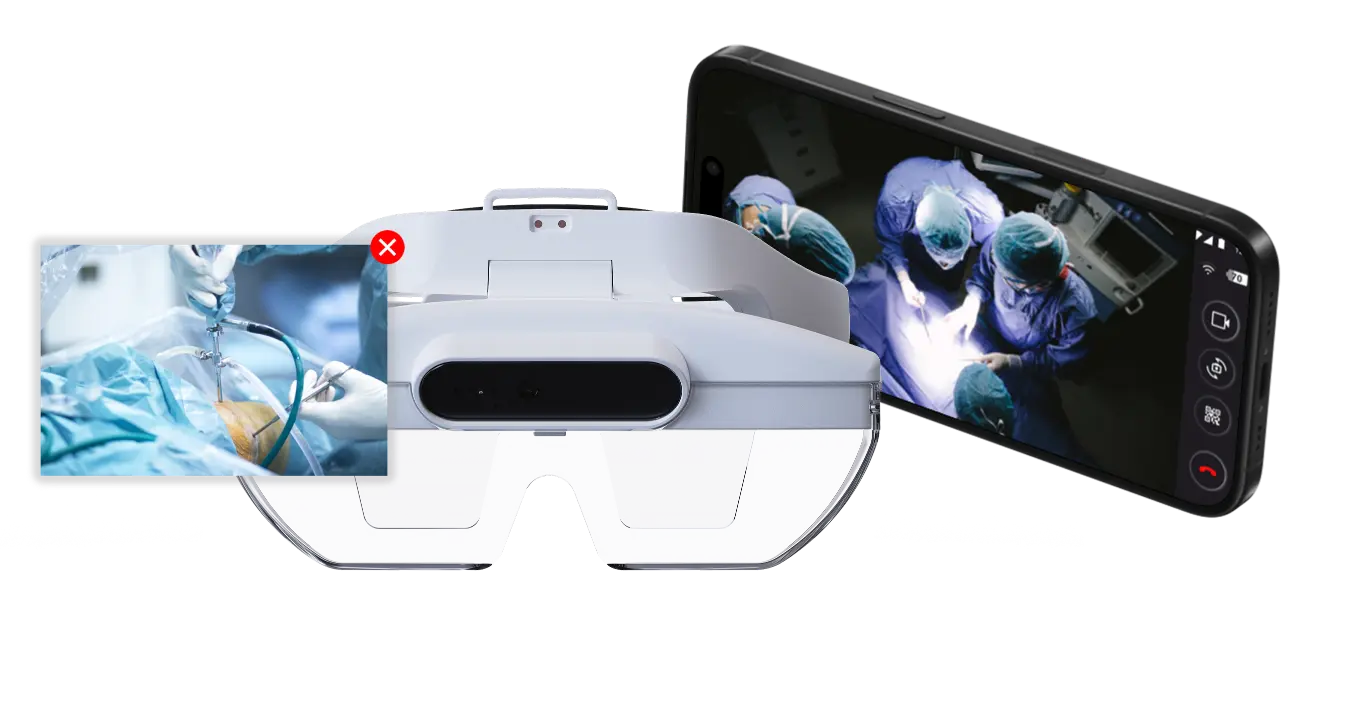
See what surgeons see. Experience the entire OR & guide remotely.
Actively engage and contribute through secure and direct audio and video communication, shared visuals, real-time visual annotations, and other interactive tools.
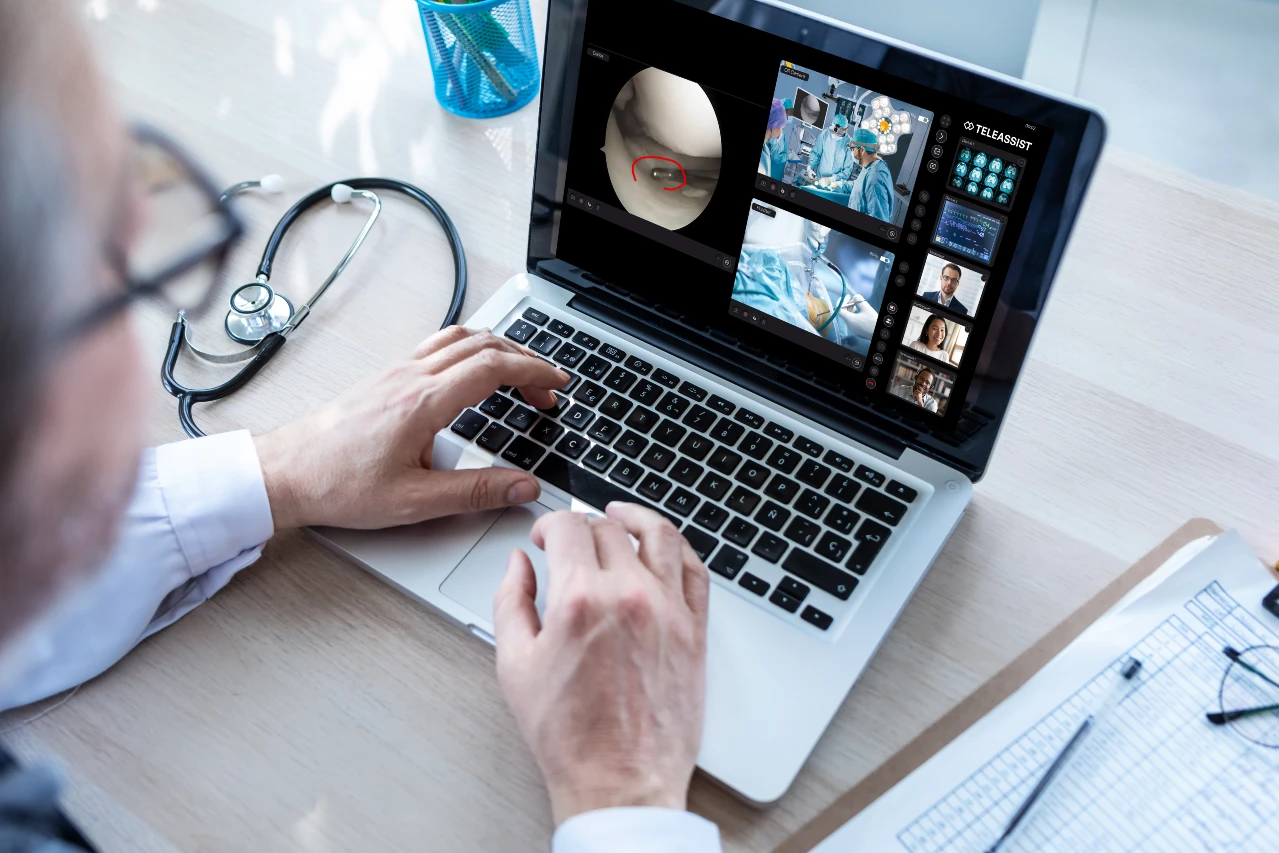
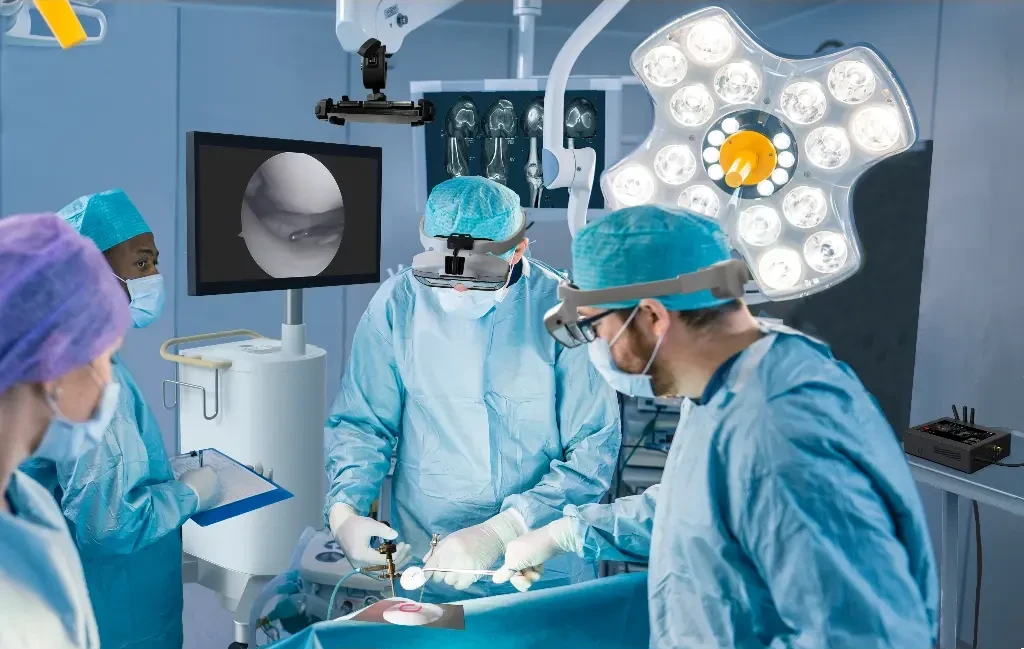
Visualize & record a procedure from anywhere, anytime.
Get an immediate assessment of the action from the surgeon's perspective.
Securely share the live medical imaging and data with the remote audience.
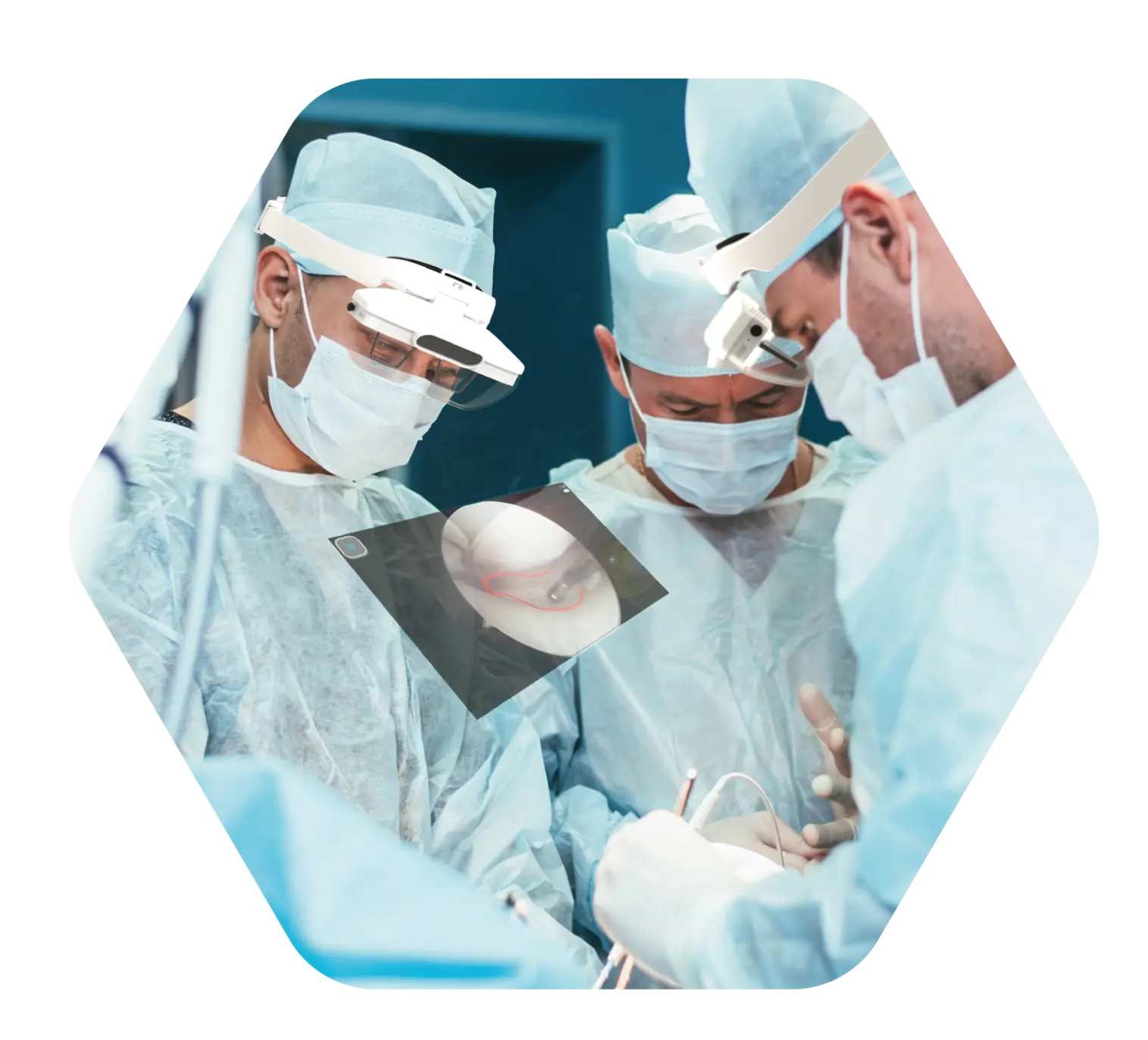
Provide real-time instructions & visual guidance in the direct field of view.
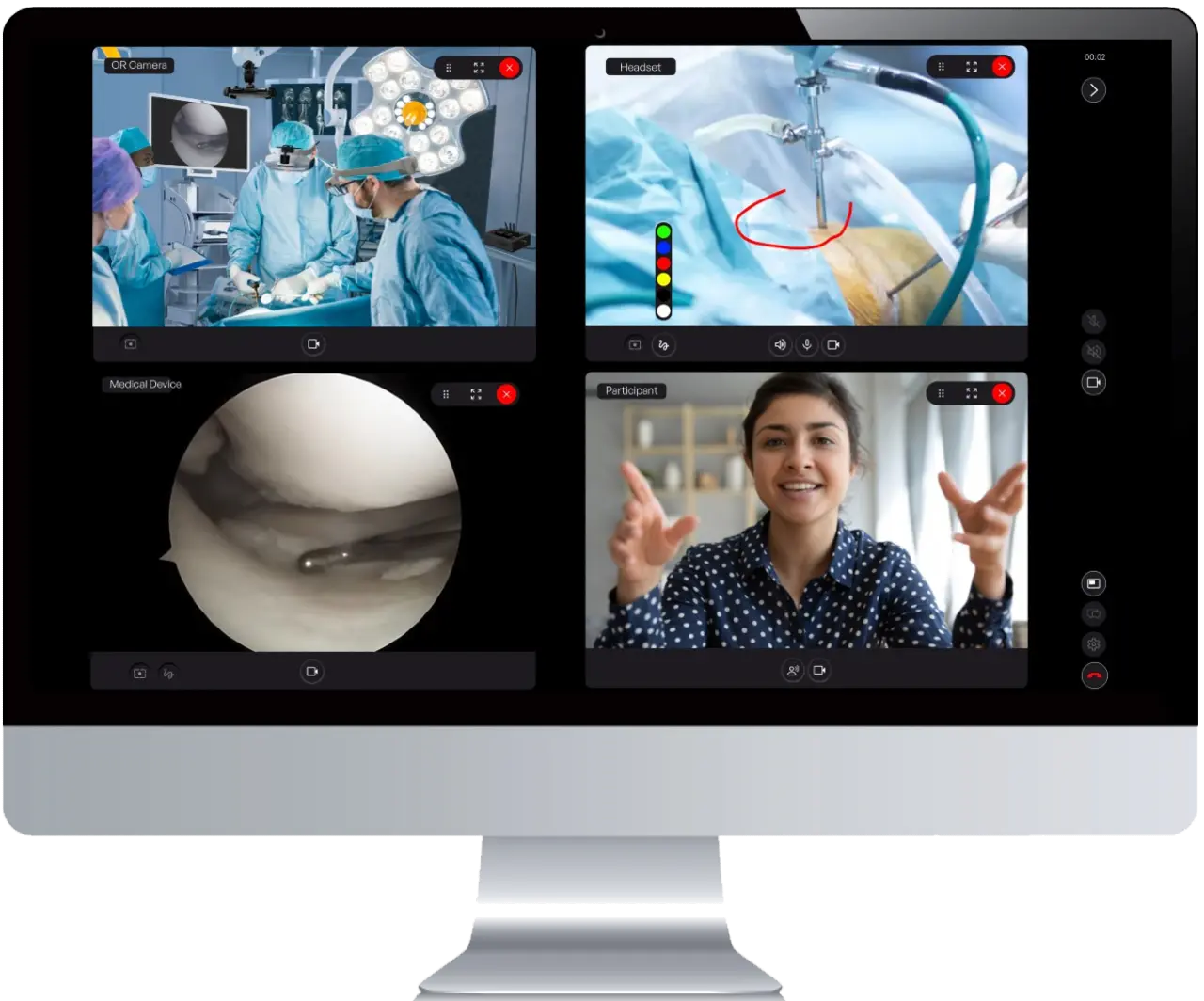
Multiple medical imaging and video sources can be integrated.
TeleAssist is not intended to be used as a diagnostic device, only for assistive communication during medical procedures.
Stable Internet is required.
Why TeleAssist®?
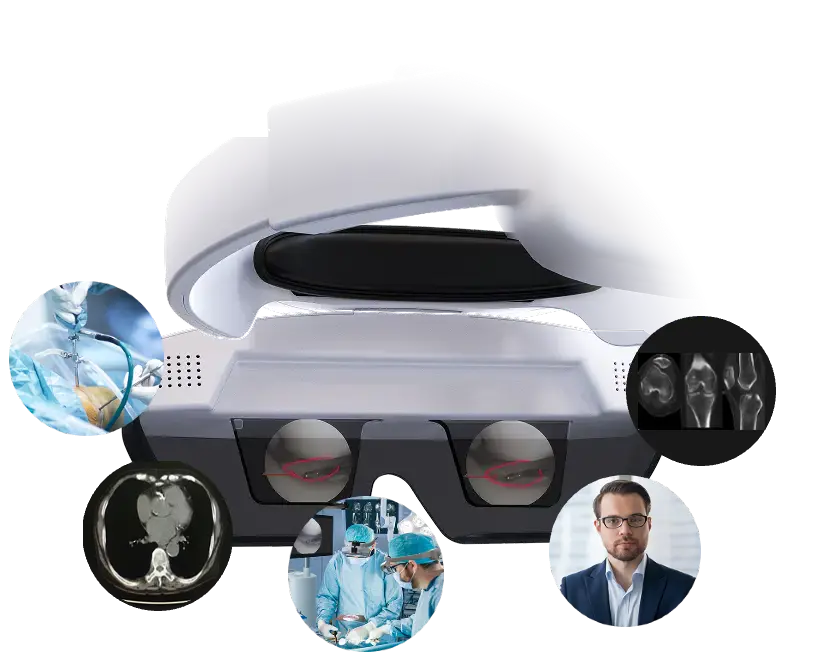
Market-leading visualization quality, agnostic connectivity, and user-centered design ensure advanced assistance, training, and education advantages for a large variety of applications.
User & procedure focus
Large & detailed AR visuals.
Surgeon's point-of-view camera perspective.
Non-obstructive, see-through AR technology.
Centralized setup
Central configuration & agnostic network connectivity.
Easy to ship. Rapid setup & configuration.
Keeps OR free from additional large equipment.
Intuitive & Easy to Use
1.

Organize a session and send direct or scheduled invitation links to your remote audience.
2.

Remote participants receive an email with the invitation link to access the session.
3.

Participants connect from the web browser of any PC or tablet. No software installation is required.
4.
In a few clicks, enable remote access & collaboration from anywhere in the world.

Organize a session and send direct or scheduled invitation links to your remote audience.
Remote participants receive an email with the invitation link to access the session.
Participants connect from the web browser of any PC or tablet. No software installation is required.
In a few clicks, enable remote access & collaboration from anywhere in the world.
Be up & running in less than 5 minutes!
1

Connect the Medical Devices
Connect the video outputs (e.g. HDMI, DP, DVI, SDI) of the Medical Imaging Systems to the TeleAssist station.
2

Connect to the network
Connect the TeleAssist station to the internet via Ethernet, Wi-Fi, or Mobile Hotspot.
3
Connect Headset & Camera, and start using TeleAssist
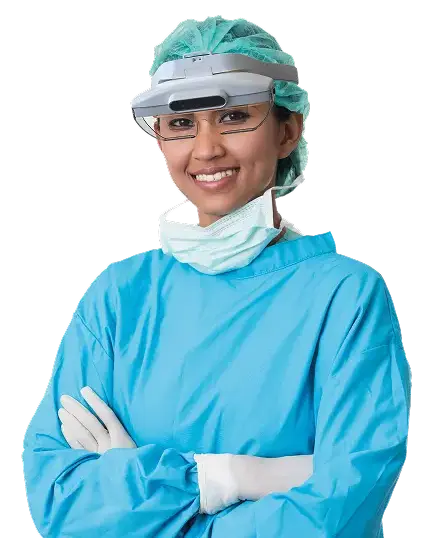
For hospitals, surgical teams, Medical Device companies, and educational institutions
TeleAssist enables real-time remote collaboration for expert assistance, product support, training, and medical education. From live procedures to product demos and immersive learning, it ensures that every participant - wherever they are - can actively engage and contribute.
Experts guide procedures live from anywhere.
Immediate access to expertise
Better surgical outcomes
Reduced need for on-site specialists
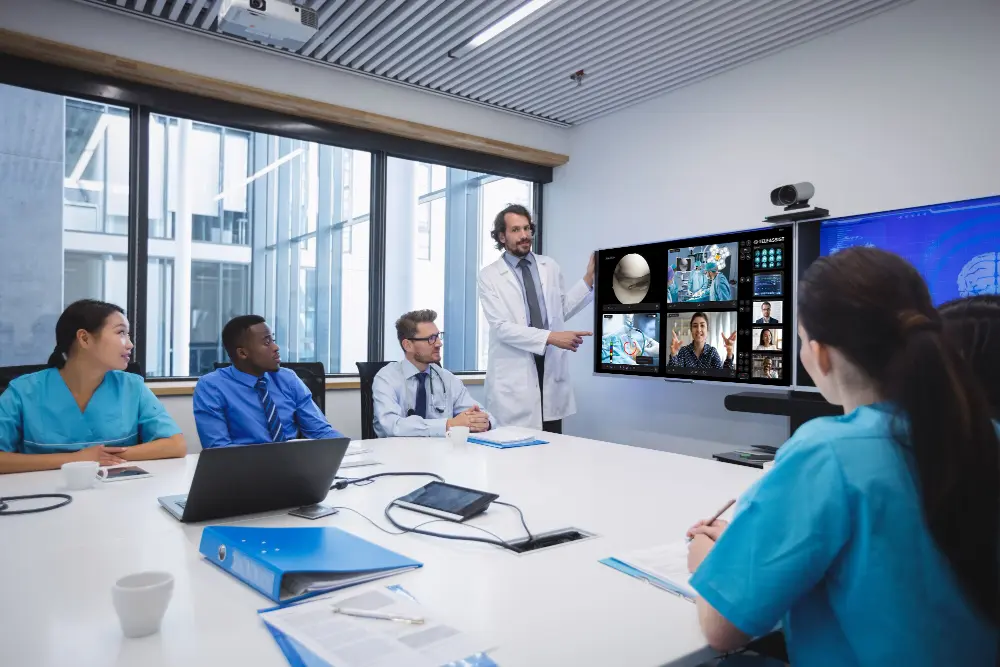
Real-time coaching and observation of procedures.
Faster skill development
Scalable training
Less travel and cost
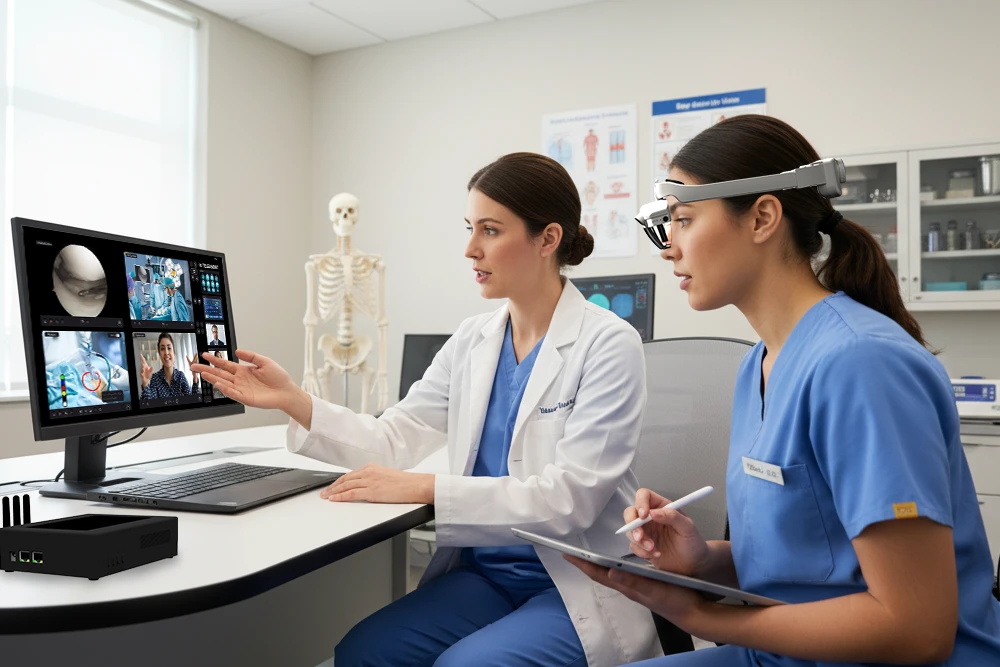
Capture and reuse procedures for learning.
High-quality teaching material
Standardized education
Reusable knowledge assets
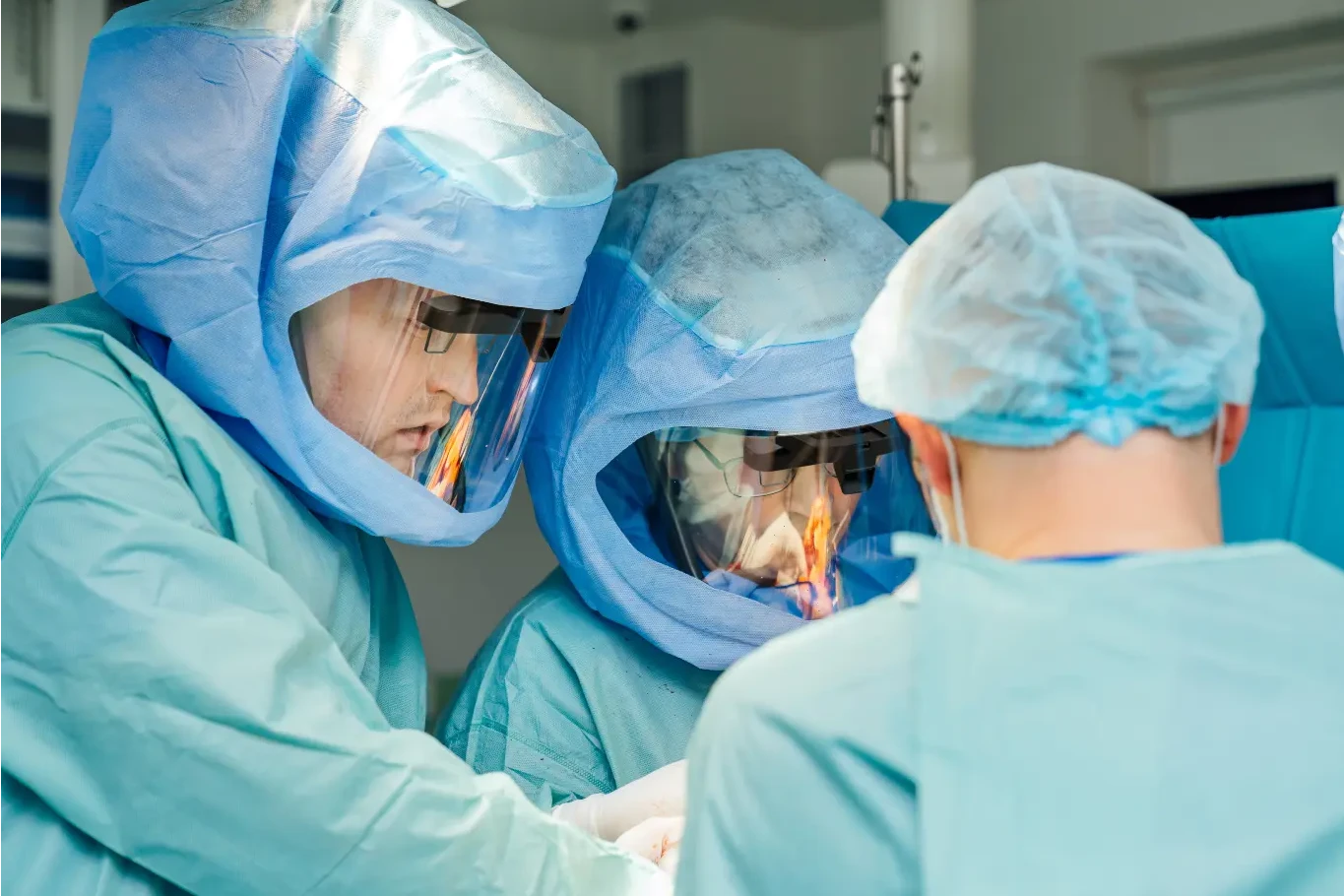
Teams discuss and analyze procedures live or recorded.
Faster decision-making
Improved collaboration
Better second opinions

Remote guidance for new devices and procedures.
Faster product adoption
Reduced field support costs
Better user proficiency
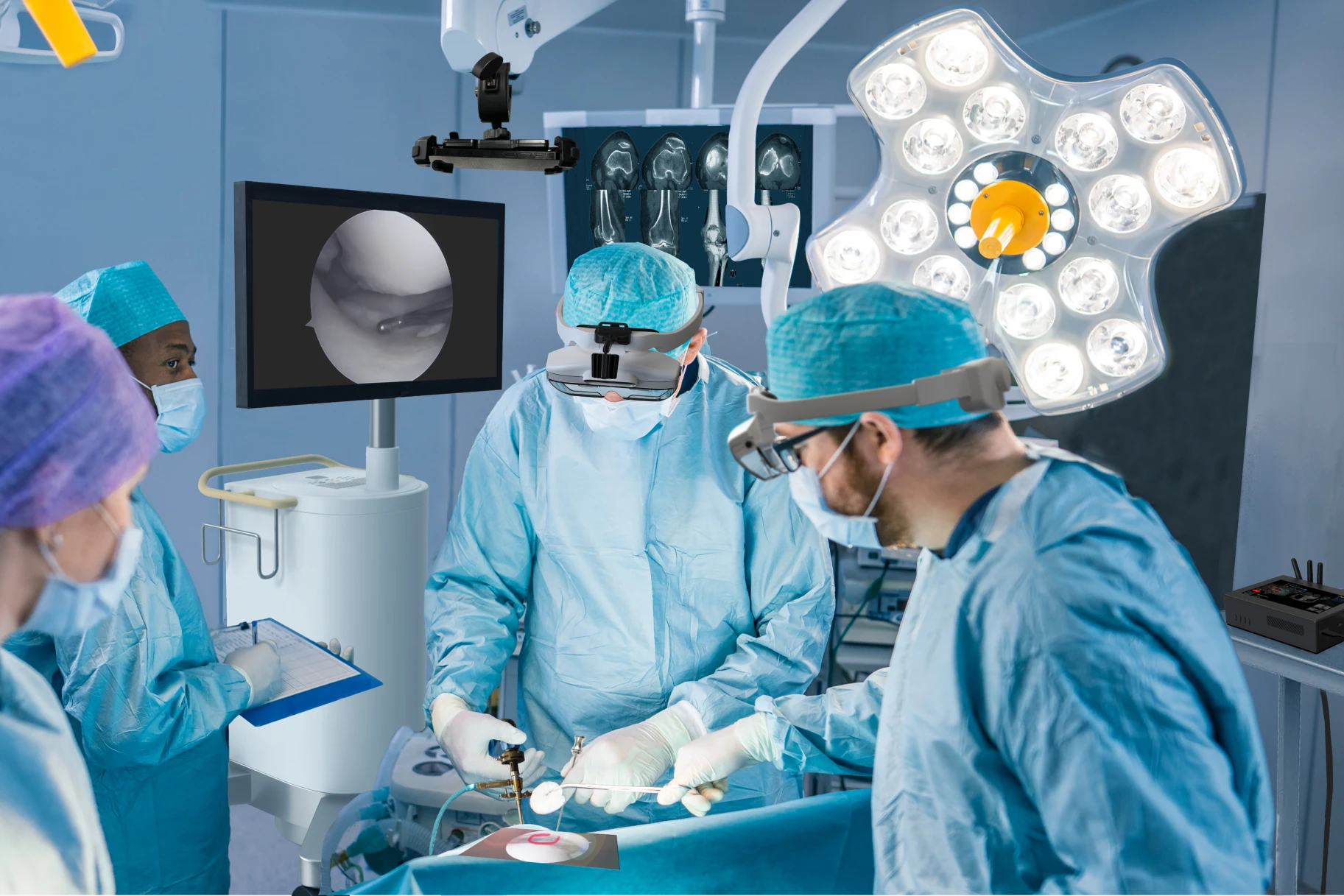
Record multi-angle procedures and data.
Audit and compliance support
Performance review
Institutional knowledge retention
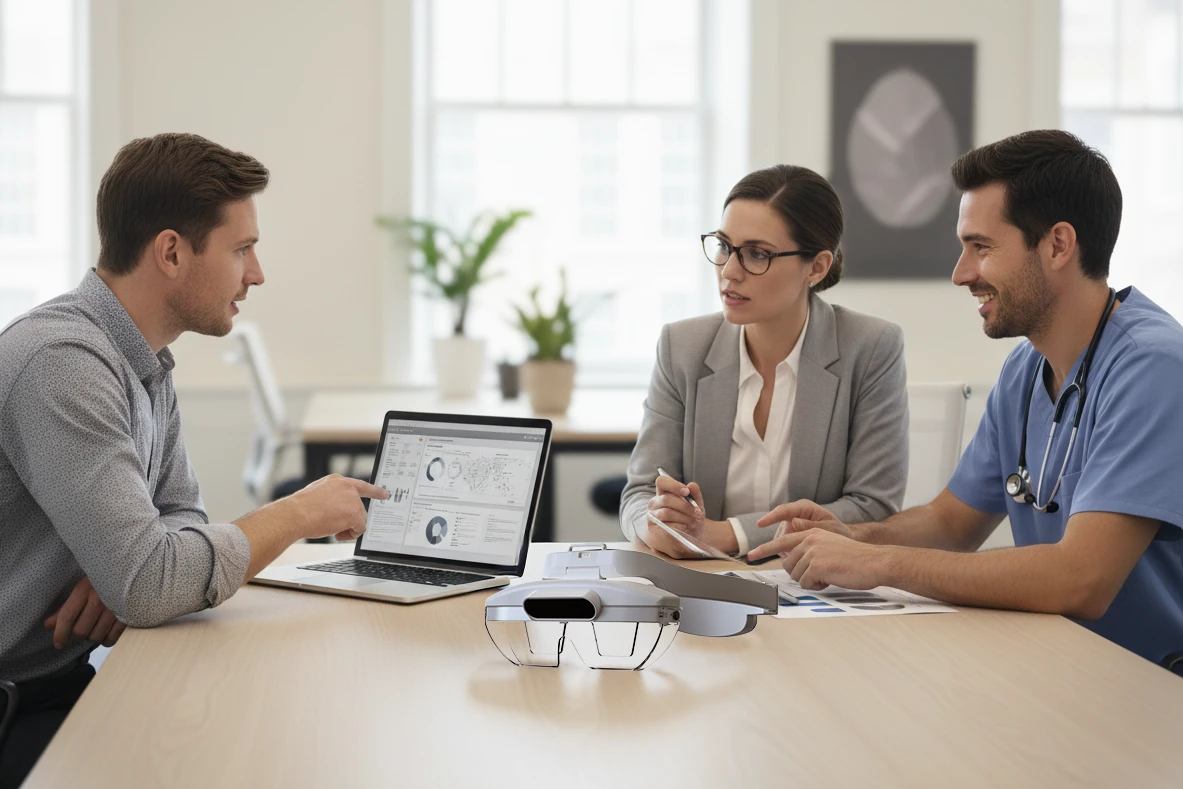
Create visuals and demos from real procedures.
Authentic content creation
Stronger product storytelling
Increased engagement
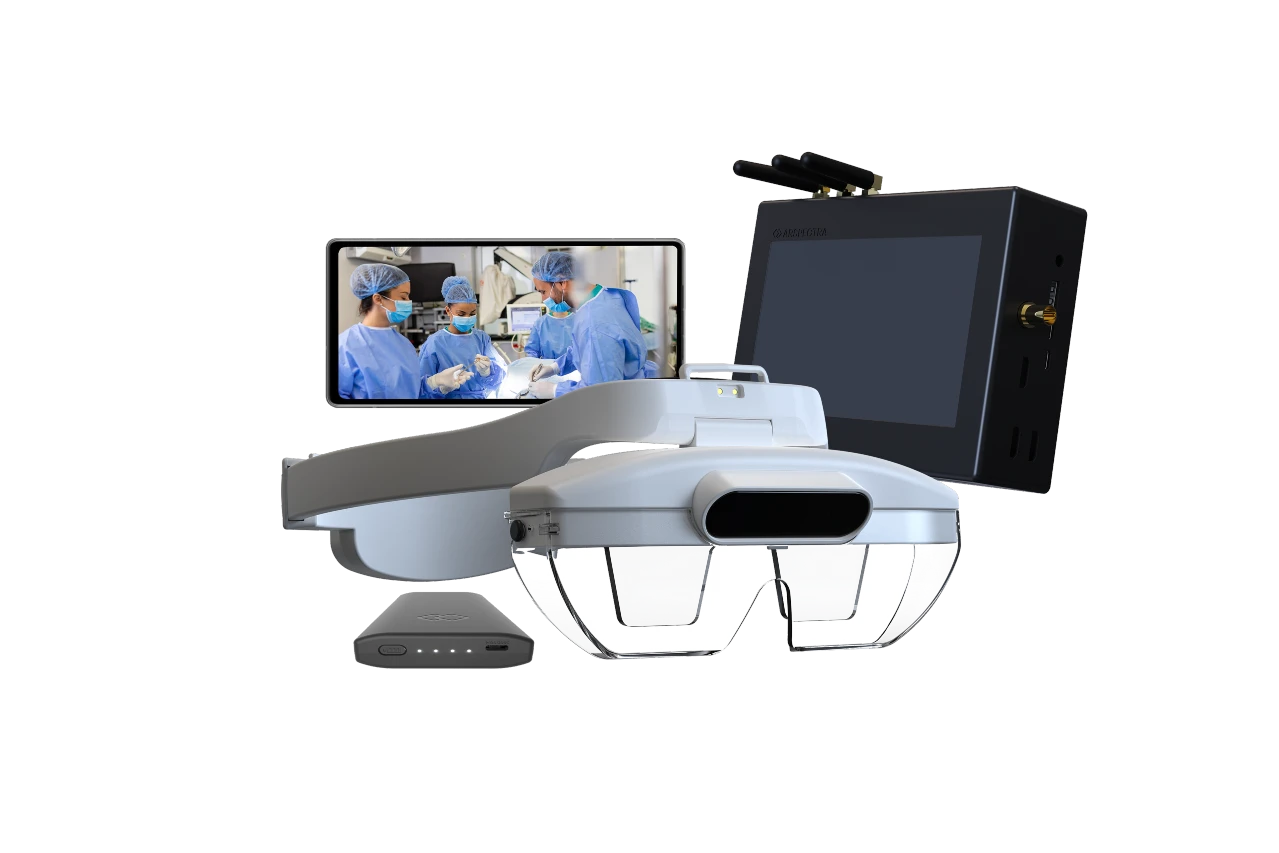
Deploy from mobile kits to full OR setups.
Flexible deployment
Easy access (no install)
Lower operational friction
Your TeleAssist Kit
Modular & configurable - from light and mobile kits for urgency, sales reps, or direct support cases, to full OR integration and immersive telepresence experiences with Medical Imaging systems and multi-camera perspectives.

OR
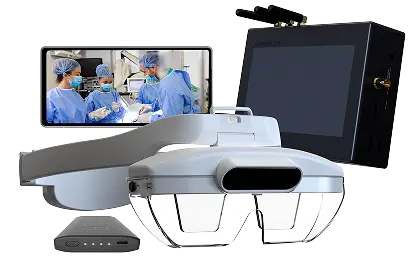
What's in the box?
REA Headset
Light binocular AR glasses with integrated cameras and sensors.
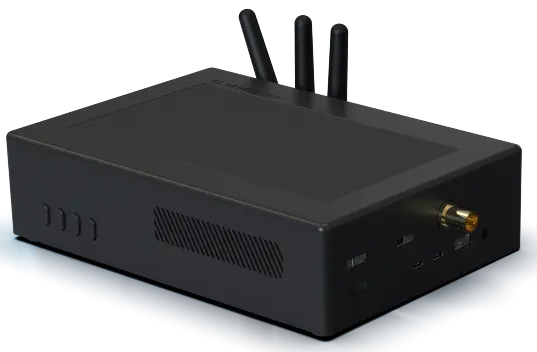
Server Station
Central video & connectivity station.
OR Camera
External cameras for multi-perspective OR overview.

TeleAssist Web platform
Online TeleAssist collaboration & connectivity.
MOBILE
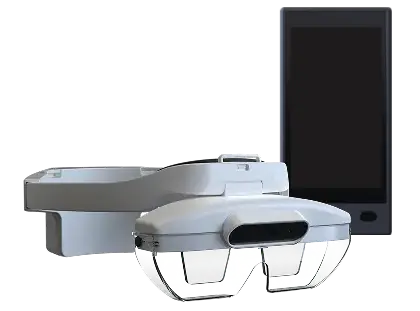
What's in the box?
REA Headset
Light binocular AR glasses with integrated cameras and sensors.
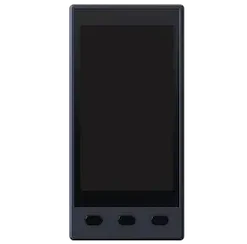
Pocket Unit
Touch-based controller & battery pack for AR headset.
TeleAssist Web platform
Online TeleAssist collaboration & connectivity.
Optional
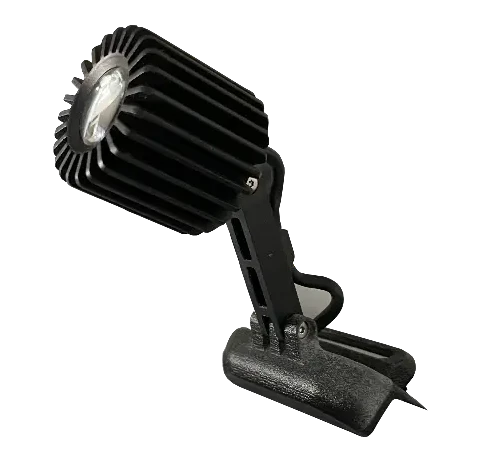
Surgical headlight
Clip-on headlight for bright & uniform target illumination.
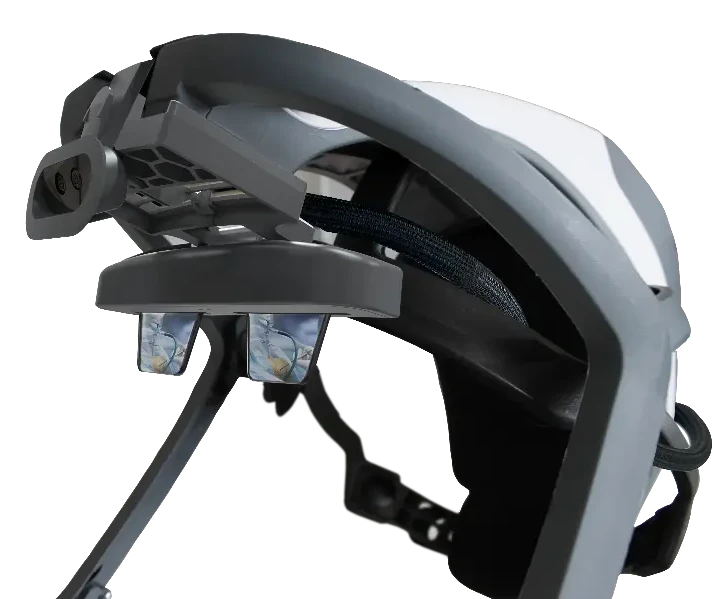
Surgical protection system
TeleAssist can be integrated into the Stryker T7 personal protection system.
Connect the OR & the world with TeleAssist®